AI Image Editor
Plain-Language Photo Editing · Non-Destructive Version History
Edit photos in plain words with Seedream 5.5 on Seeli — change one detail while keeping every earlier version intact in My Creations.
- Seedance 2.5 & Seedream 5.5
- First-frame & 10 refs
- Upfront credit pricing
- No subscription
Your video
My CreationsClaim 2 free images
Two 1K text-to-image runs with Seedream 5.0 Flash. No card needed.
Your images
My CreationsOne instruction, one change
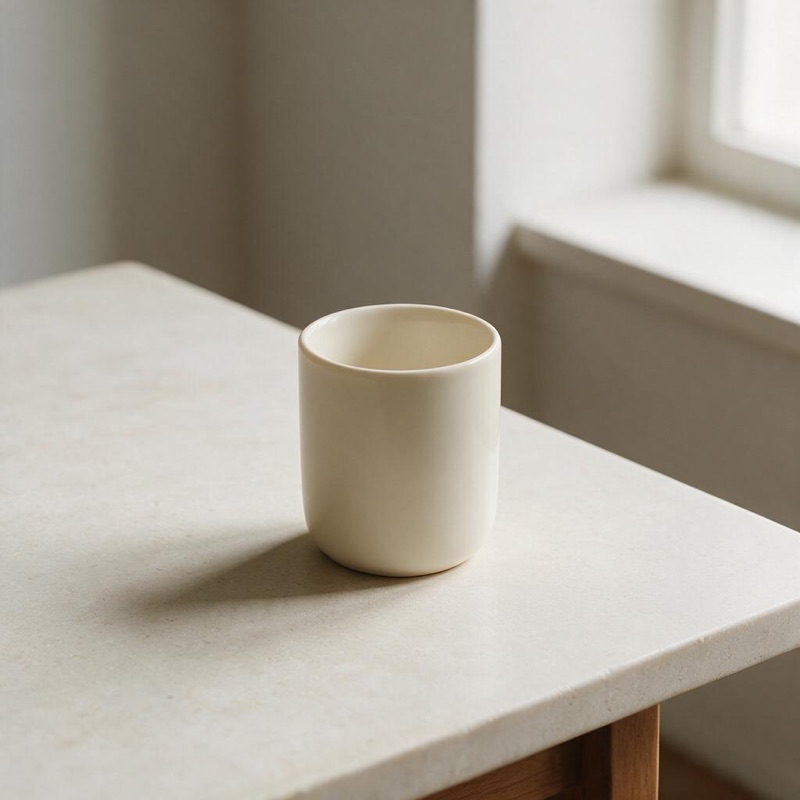
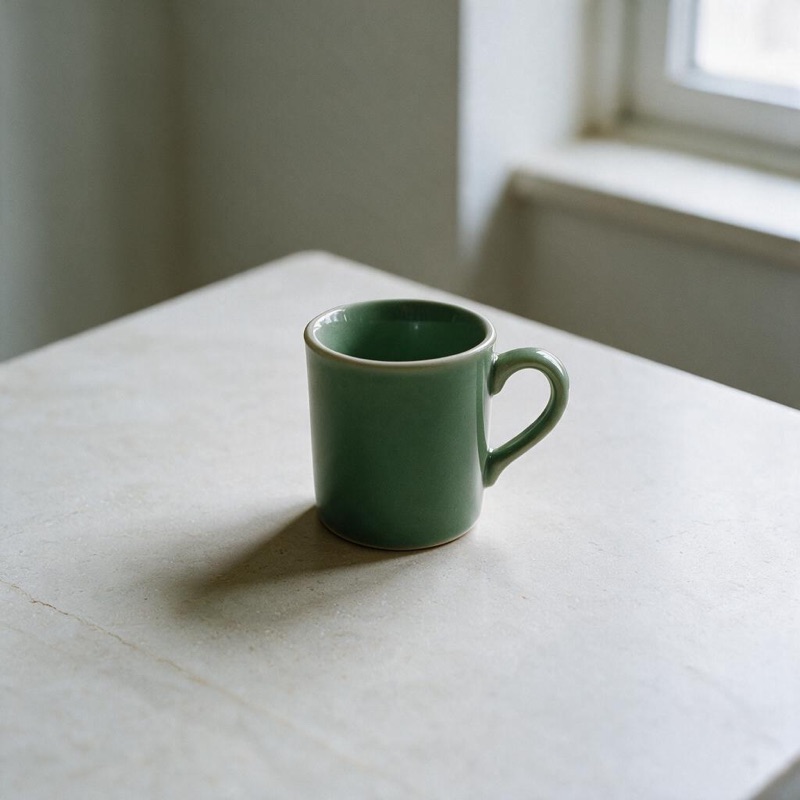
“Change only the cup glaze to a muted forest green. Keep the shape, table and lighting.”
Edit in versions
- UploadPNG, JPEG or WebP.
- Say the changeOne clear request per version works best.
- BranchKeep editing the result or go back to an earlier version.
Layers and OCR
Need the parts separately? Layers splits an image into a base and up to 99 PNG layers with positions, plus optional text recognition. The reservation covers your chosen maximum; unused credits return after delivery.
Reference image pricing
| References | 1K / 1.5K | 2K |
|---|---|---|
| 0–1 | 1 | 1 |
| 2–3 | 1 | 2 |
| 4–7 | 2 | 2 |
| 8–9 | 2 | 3 |
| 10 | 3 | 3 |
Questions
How much does an edit cost?
A Seedream 5.5 edit with one source image costs 1 credit at 1K, 1.5K or 2K. More reference images use the table on this page.
Does editing overwrite my image?
No. Each edit saves as a new version in My Creations, so you can branch from any earlier version.
Are credits returned if the result is blocked?
Yes. If a result fails the content check it is not delivered and the reserved credits return automatically.
Can I split an image into layers?
Yes. Layers returns a base plus up to 99 transparent PNG layers and optional OCR text positions, downloaded as a ZIP. Credits are reserved for the maximum and the difference returns after delivery. PSD export is not available.