
Edit & Translate Text in Images with AI
Upload a poster, e-commerce listing, packaging mockup, or screenshot on Seeli to replace typos, prices, or dates, or translate image copy into another language while keeping font texture, lighting, and background grain. Seedream 5.5 runs 1K–2K edits for 1 credit ($0.28–$0.67); eligible new Google accounts get 1 free 1K edit, and one-time packs start at $3.99 Mini (6 credits) with no subscription.
Create
Claim 1 free Seedream 5.5 1K run
One 1K Seedream 5.5 image, single-image edit, or native transparent PNG after verification.
My creations
- 1K, 1.5K or 2K PNG · 1 credit
- Private downloads
- Pay per task · no subscription
- Auto-refund on failed runs
How AI Text Editing & Image Translation Works
Seeli runs ByteDance Seedream 5.5 on one unified page for both in-place text edits and layout-preserving image translation. Upload any PNG, JPEG, or WebP graphic, quote the phrase to change or name your target language, and get a clean 1K, 1.5K, or 2K PNG for 1 credit ($0.28–$0.67) — or use an eligible new Google account’s 1 free 1K run. When exact local .otf/.ttf brand fonts are mandatory, pair this workflow with Image to PSD.
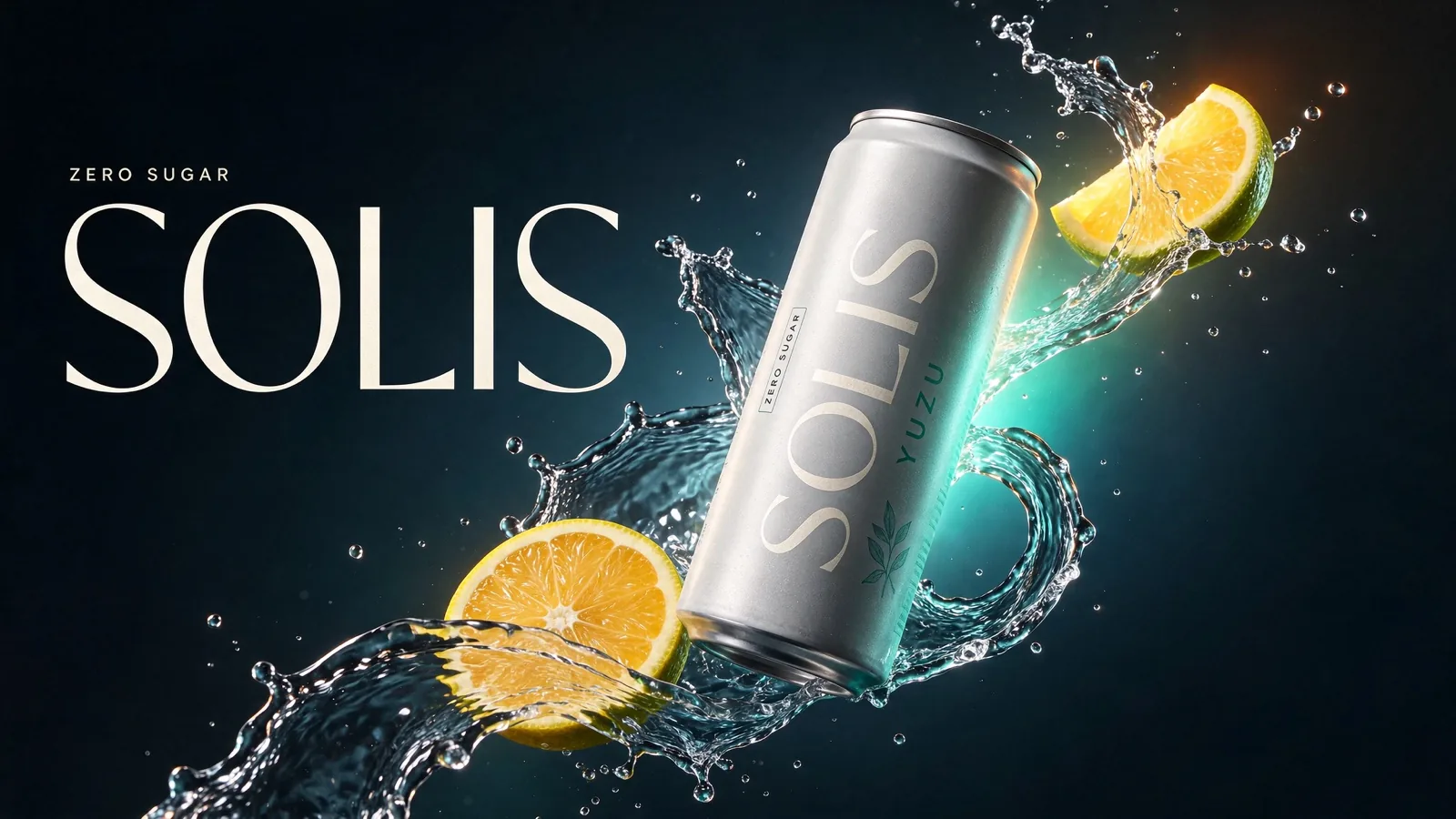
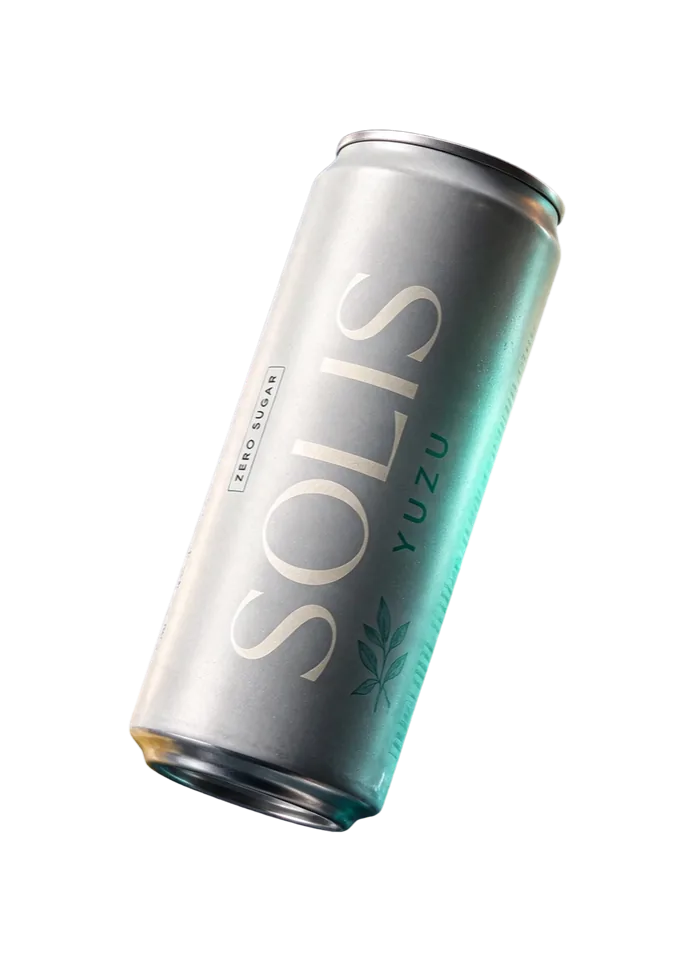
Real commercial poster & clean background recovery
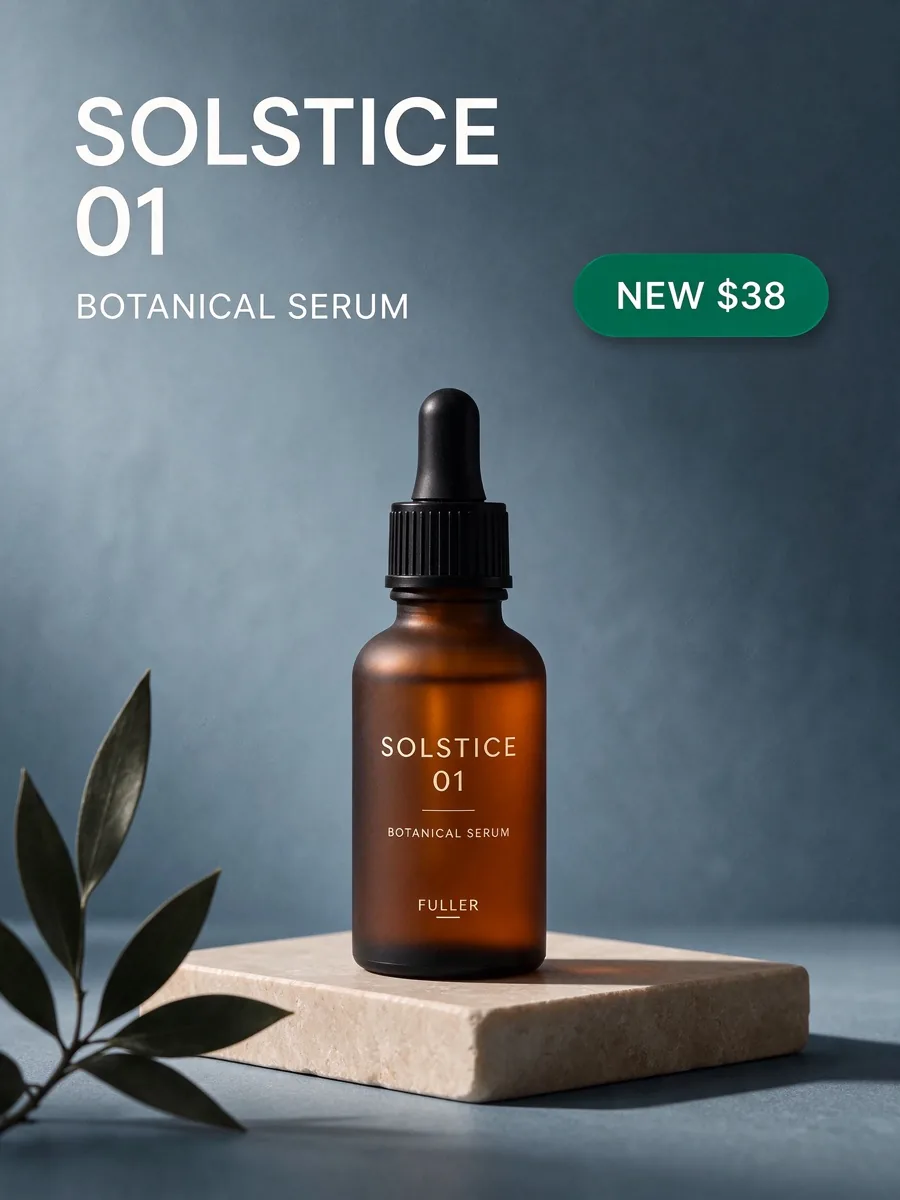
Edit copy in one pass with Seedream 5.5 (1 credit), or split your poster in Image to PSD so original text can be hidden and retyped cleanly over the reconstructed base plate.
Scenario A: Fix typos, dates & prices in place (Edit & Replace Text)
Built for fast typo fixes, seasonal price drops, event date swaps, and badge cleanup on finished creative assets.
- 1. Quote exact old and new textWrite Replace "[old phrase]" with "[new phrase]" inside #prompt so Seedream 5.5 locks onto only the targeted headline, SKU code, or price tag.
- 2. Lock typography, surface & shadowsAppend "Keep the original font weight, color, surface perspective, packaging label, and surrounding lighting unchanged" to prevent whole-image redraws.
- 3. Branch every take in My CreationsEach 1K–2K edit saves as a non-destructive branch in your Project Version Tree (1 credit per run; blocked or failed runs refund automatically).
Scenario B: Translate text in image without breaking design
| Marketplace / workflow | Prompt structure for clean localization | What stays locked on Seeli |
|---|---|---|
| Amazon & Shopify A+ infographics (EN → ES / DE / FR) | “Translate the feature callouts into German while keeping the product bottle, icons, spacing, and white card layout identical.” | Icon spacing, product packaging, and clean background grid stay intact at 1K–2K (1 credit). |
| TikTok Shop & social promo banners (EN → JA / KO / ZH) | “Translate only the top promo headline and CTA ribbon into Japanese; keep the brand logo and model photo untouched.” | Brand mark and subject photo hold position while localized characters match banner color and angle. |
| Packaging mockups & bottle labels | “Translate the ingredient subtitle below the main brand name into French; keep the embossed bottle material and studio highlights steady.” | Glass refraction, cylindrical label curve, and lighting highlights carry across edits. |
| Badge, sticker & watermark cleanup before re-typesetting | “Remove the yellow discount sticker and text in the top corner, cleanly matching the surrounding texture.” | Leaves a clean surface ready for local typography in Figma, Canva, or Photoshop. |
Inspect OCR text boxes & clean base export (.PSD option)
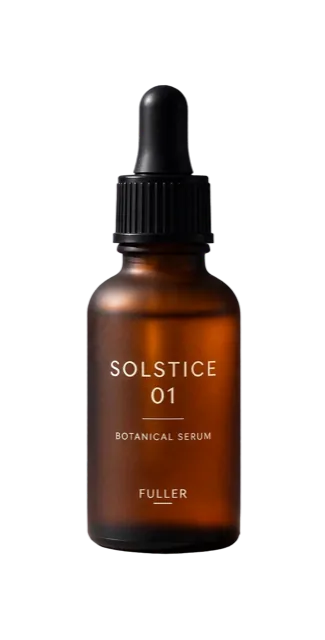
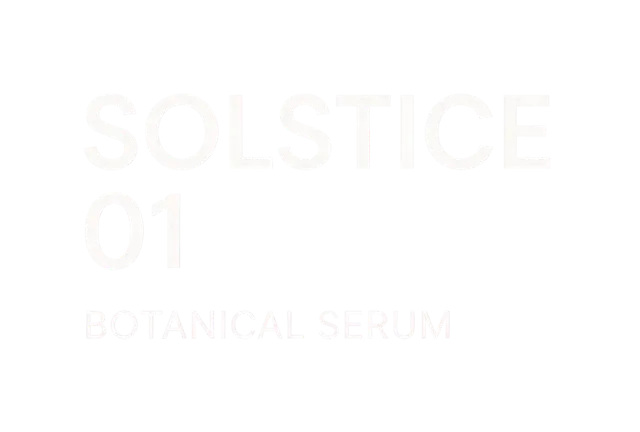
Switch to OCR & Boxes below to inspect detected poster text ("SOLSTICE 01 BOTANICAL SERUM", "NEW $38") and bounding coordinates — or download the 5-layer SOLSTICE .PSD sample.

Actual Seedream 5.5 .PSD & ZIP output
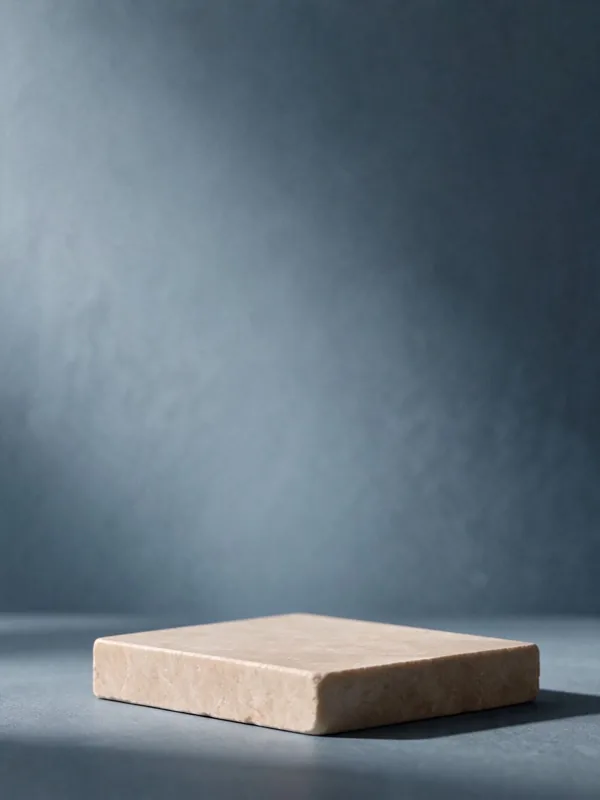
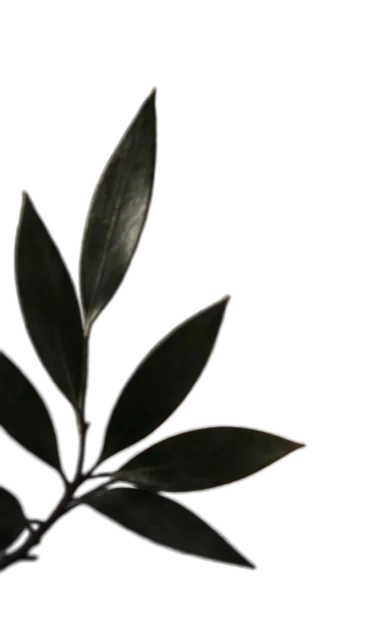
base.png887×1182 clean inpainted wall & stone plinthlayer_01.pngRGBA botanical leaf · box [0, 575, 372, 1182]layer_02.pngRGBA serum bottle · box [238, 276, 644, 1074]layer_03.pngOCR: "SOLSTICE / 01 / BOTANICAL SERUM" · Tw Cen MTlayer_04.pngOCR: "NEW $38" · bold · box [606, 267, 776, 317]
Real Seedream 5.5 output: 1 clean inpainted base plate + 4 transparent RGBA layers with OCR text & coordinates, exported as layered .PSD or .ZIP.
Engineering decision guide: 1-credit AI text edit vs layered .PSD export
| Decision factor | AI In-Place Edit (/edit-text-in-image) | Layered .PSD Export (/image-to-psd) |
|---|---|---|
| Best for | Quick typo fixes, price/date swaps, badge removal, and fast single-image ad translation | Strict brand-font (.otf/.ttf) compliance, fine legal text, or 5+ regional variants from one poster |
| How typography is edited | Seedream 5.5 renders the updated words directly into the raster image matching local texture & lighting | Seeli splits a clean Background / Base + up to 99 RGBA layers; hide the old text layer and type natively in Photoshop or Photopea |
| Cost & starter allowance | 1 credit ($0.28–$0.67) at 1K–2K · 1 free 1K edit for eligible new Google accounts | 1 free watermarked 1K preview (Max ≤ 6) · unlock clean .PSD & .ZIP for 2–3 cr (no rerun), covered by $3.99 Mini (6 cr) |
| Deliverable files | Ready-to-publish 1K, 1.5K, or 2K PNG in your Project Version Tree | Layered Adobe .PSD (8BPS RGBA + OCR layer names) + .ZIP (base.png, PNGs, manifest.json, ocr.json) |
| Next step | Run an edit directly in the composer at the top of this page | Switch to Image to PSD or follow the Localize Poster Text Guide |
Prompt checklist for crisp edited lettering
- Use double quotes around both the existing text and the replacement text so the model matches exact spelling.
- Change one text group or badge per branch when an ad carries dense small print, then chain the next edit in My Creations.
- Explicitly preserve brand logos or main SKU labels when translating surrounding callouts into Spanish, German, Japanese, or French.
- Switch to /image-to-psd whenever you must use a licensed desktop typeface rather than AI-rendered lettering.
Related image editing & layer workflows
Questions
Can Seedream 5.5 keep my original font and layout when replacing text?
Yes. When you quote the exact phrase to replace (for example, Replace "NEW $38" with "SALE $29") and instruct Seedream 5.5 to keep font weight, letter spacing, perspective, and lighting steady, it edits only the targeted text area while preserving the product and backdrop.
How do I translate text inside a poster or e-commerce listing into another language?
Upload your English poster or product infographic on this page and specify the target language — such as Spanish, German, French, Japanese, Korean, or Chinese — while locking packaging labels, logos, and layout alignment. Each 1K, 1.5K, or 2K output costs 1 credit ($0.28–$0.67).
When should I use Image to PSD instead of AI in-place text editing?
Use /edit-text-in-image (1 credit, or 1 free 1K edit for eligible new Google accounts) for fast typo fixes, price updates, sticker removal, and quick multi-language tests. Switch to Image to PSD (/image-to-psd) whenever brand guidelines require exact proprietary .otf or .ttf fonts, or when localizing one hero poster across 5+ markets over a clean AI-inpainted base plate.
What does editing or translating text in an image cost?
Seedream 5.5 single-image text edits and translations cost 1 credit ($0.28–$0.67) across 1K, 1.5K, and 2K PNG. Eligible new Google accounts receive 1 free 1K run after verification, and one-time packs start at $3.99 Mini (6 credits) with no subscription.
Does AI text editing overwrite my original uploaded image?
No. Every run saves as a separate branch inside your private Project Version Tree in My Creations (/app), so you can compare drafts, branch from an earlier frame, or send any approved visual to Image to PSD or Image to Video.