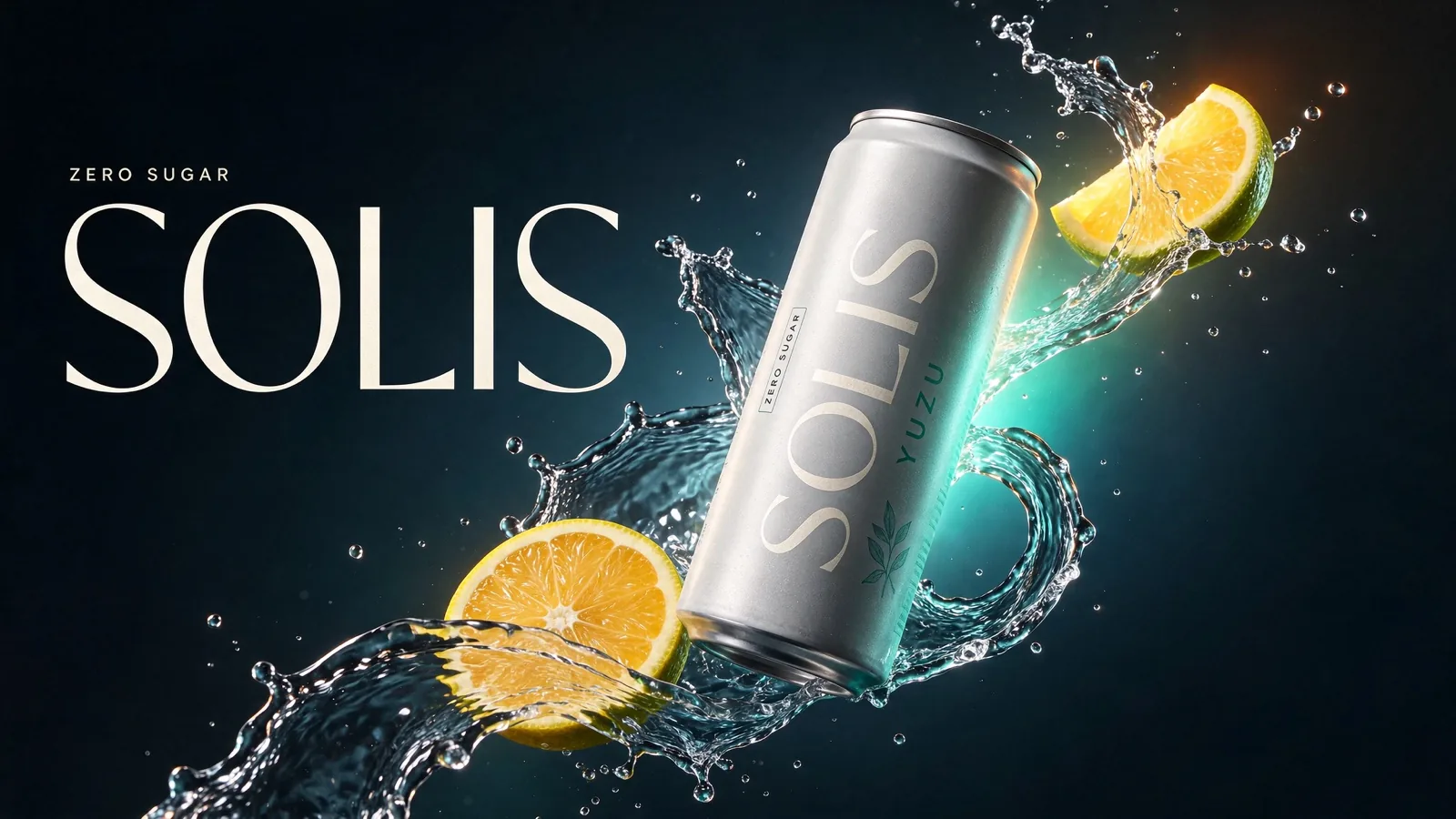
Image to Layers — Split Flat Images into PNGs
Seeli splits one flat PNG or JPEG image into a clean inpainted base plus up to 99 transparent RGBA layers with OCR coordinates — ready to export as a layered .PSD or PNG + JSON ZIP.
Create
My creations
- Layered .PSD & PNG ZIP export
- Base + up to 99 RGBA layers & OCR
- Unused credits refund automatically
- Pay per task · no subscription
How Layer Decomposition Works
Seeli uses ByteDance Seedream 5.5 to decompose any PNG or JPEG image into a clean inpainted base layer plus up to 99 individual transparent RGBA layers with bounding-box coordinates and optional OCR text recognition. With default Max 6, auto/2K reserves 5 credits and 1K/1.5K reserves 3 credits (unused credits return automatically), so Mini ($3.99 / 6 credits) works out of the box with no subscription. Export either a standard layered .PSD (Photoshop & Photopea compatible) or a PNG + OCR .ZIP.
Inspect what comes back before you run
Switch between Flat Poster, Exploded Layers, and OCR & Boxes — or download the 5-layer sample .PSD below to inspect real output structure.
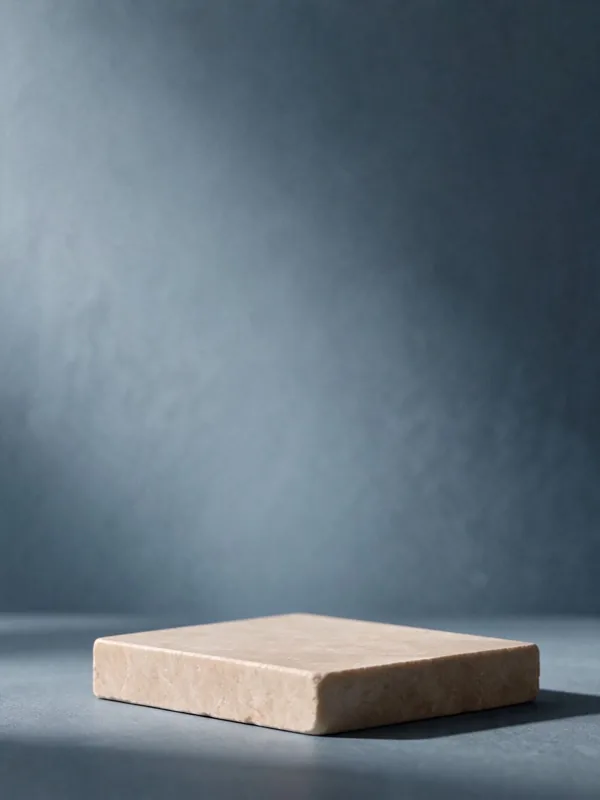
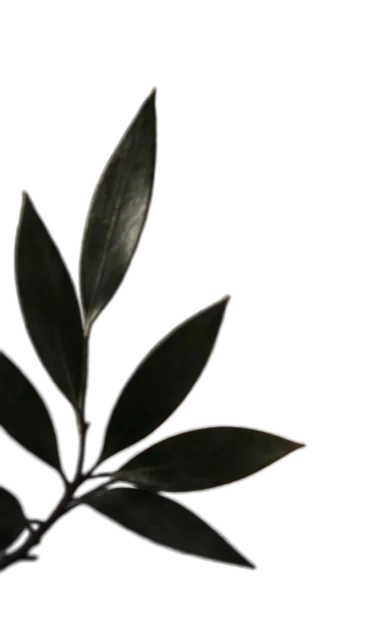
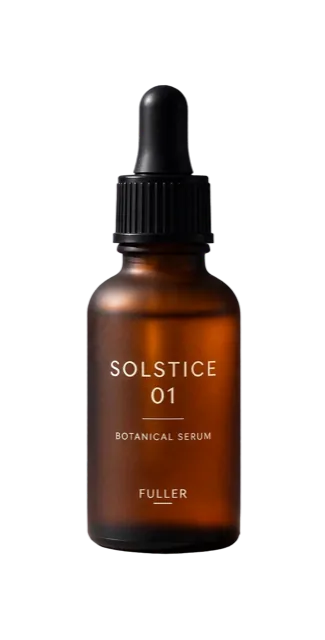

Actual Seedream 5.5 .PSD & ZIP output
base.png887×1182 clean inpainted wall & stone plinthlayer_01.pngRGBA botanical leaf · box [0, 575, 372, 1182]layer_02.pngRGBA serum bottle · box [238, 276, 644, 1074]layer_03.pngOCR: "SOLSTICE / 01 / BOTANICAL SERUM" · Tw Cen MTlayer_04.pngOCR: "NEW $38" · bold · box [606, 267, 776, 317]
Real Seedream 5.5 output: 1 clean inpainted base plate + 4 transparent RGBA layers with OCR text & coordinates, exported as layered .PSD or .ZIP.
From flat AI pixels to Photoshop, Photopea, Figma, or Canva
- Upload your flat graphicDrop any PNG or JPEG poster, ad banner, or product visual — or send any Seedream result straight from your version tree.
- Reserve max, pay actualSet your max layer cap (default 6: 5 credits reserved at auto/2K or 3 credits at 1K/1.5K, adjustable up to 100 layers) and keep OCR on. You only pay for the layers actually returned; the rest refunds automatically.
- Download .PSD or .ZIP & edit freelyExport a layered .PSD directly into Photoshop, Photopea, or Affinity Photo (hide raster text layers to type cleanly on the inpainted base) or download the .ZIP for Figma and Canva.
What is included vs format boundaries
| Item | On Seeli | Details |
|---|---|---|
| Input formats | PNG or JPEG | Minimum 262,144 pixels, up to 20 MB |
| Output layers | 1 clean base + up to 99 RGBA layers | Each layer includes z-index and absolute + normalized bounding boxes |
| Text recognition (OCR) | Included toggle (default on) | Labels .PSD layers with OCR summaries and exports detected strings in ocr.json |
| Export formats | Layered .PSD + .ZIP archive | Standard Adobe .PSD (Base + positioned RGBA pixel layers) plus .ZIP (base.png, PNGs, manifest.json, ocr.json) |
| Pricing & refunds | Pay actual layers only · default Max 6 | 5 credits reserved at auto/2K or 3 credits at 1K/1.5K (adjustable 2–100); unused credits return automatically |
| Text layer format | Transparent RGBA raster + OCR metadata | Text layers are crisp pixel layers rather than embedded TypeTool fonts; toggle off to retype over the clean base |
Next step in your workflow
Questions
What files are inside the .PSD and .ZIP downloads?
Every successful layer separation exports both a standard layered Adobe .PSD (clean inpainted Base layer + ordered transparent RGBA pixel layers positioned by bounding box and labeled with OCR text summaries) and a .ZIP containing base.png, individual RGBA PNG layers, manifest.json coordinates, and ocr.json.
How are credits calculated for Image to Layers?
New Google accounts receive 1 free watermarked 1K layer preview (up to Max 6 layers) with zero upfront credits. If you choose to unlock the clean full-resolution .PSD & PNG layers afterward, you pay only 2–3 credits from your $3.99 Mini (6 cr) pack with no AI rerun needed. For 1.5K/2K or Max 7–100 runs, Seeli reserves credits upfront and refunds unused credits automatically after delivery.
Does Seeli export layered PSD files?
Yes. Click Download .PSD after any completed or unlocked run to export a standard Adobe .PSD compatible with Photoshop, Photopea, Affinity Photo, and Clip Studio Paint. Text layers export as transparent RGBA raster layers with OCR text summaries rather than embedded TypeTool fonts — hide any original text layer to type new copy cleanly on the inpainted base.
What images work best for layer separation?
Commercial posters, e-commerce sale graphics, ad banners, packaging mockups, and clean illustrations in PNG or JPEG format (at least 262,144 pixels).
Do I need an account to split an image into layers?
Yes. Google sign-in is required. New accounts get 1 free watermarked 1K layer preview (Max ≤ 6 layers); unlocking clean full-resolution .PSD and PNG downloads uses one-time credit packs starting at $3.99 (6 credits).
Does Image to Layers recognize text on posters?
Yes. Keep the OCR toggle enabled (on by default) to include recognized text summaries in .PSD layer names and export full text coordinates in ocr.json alongside the transparent PNG layers.
Does editing overwrite my image?
No. Each edit saves as a new branch in your project version tree in My Creations, so you can return to any earlier version.
Are credits returned if the result is blocked?
Yes. If a result fails the content check it is not delivered and the reserved credits return automatically.