Workflow Playbook · E-Commerce & Design
Localize AI Poster Text Without Regenerating Artwork
Seeli solves the hardest post-generation bottleneck for e-commerce and ad teams: fixing misspelled AI typography or localizing one approved poster into multiple languages by splitting flat pixels into a clean inpainted base plate, transparent RGBA layers, OCR summaries, and direct .PSD or .ZIP downloads.
Key Takeaway
Instead of re-rolling prompts five times for five markets — and watching product bottles, shadows, and faces drift — run Image to Layers or Image to PSD on Seeli once. Seedream 5.5 outputs a layered .PSD (clean inpainted base + positioned transparent RGBA pixel layers labeled with OCR text) and a .ZIP with PNGs, manifest.json, and ocr.json. Hide the raster text layer and retype in native fonts directly over the clean base. Unused reserved credits return automatically; packs start at $3.99 (6 credits).
Inspect a real 5-layer Seedream 5.5 poster split
Toggle between Flat Poster, Exploded Layers, and OCR & Boxes — or download the exact 5-layer .PSD sample below to test localization in Photoshop or Photopea.
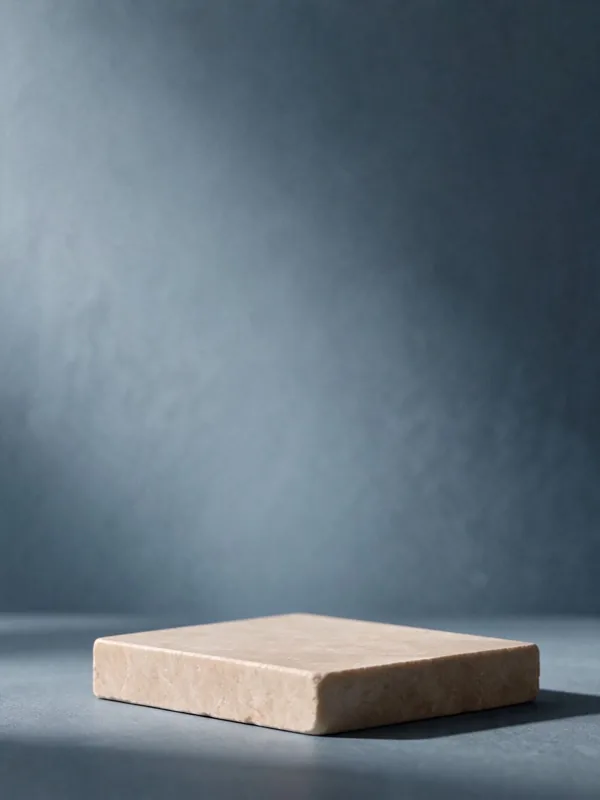
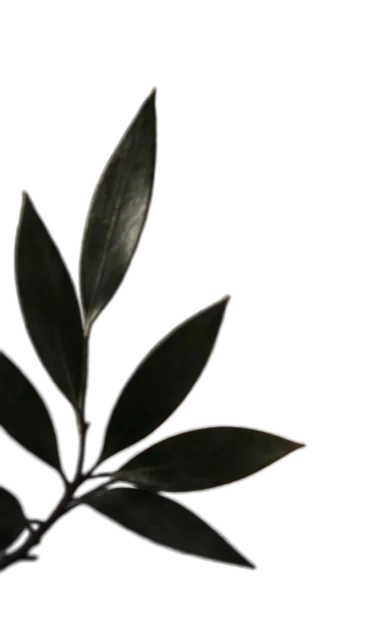
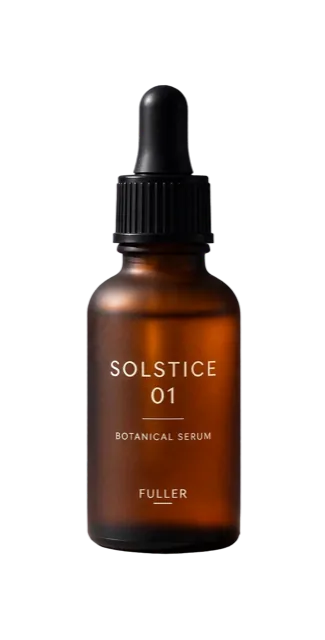
Actual Seedream 5.5 .PSD & ZIP output
base.png887×1182 clean inpainted wall & stone plinthlayer_01.pngRGBA botanical leaf · box [0, 575, 372, 1182]layer_02.pngRGBA serum bottle · box [238, 276, 644, 1074]layer_03.pngOCR: "SOLSTICE / 01 / BOTANICAL SERUM" · Tw Cen MTlayer_04.pngOCR: "NEW $38" · bold · box [606, 267, 776, 317]
Real Seedream 5.5 output: 1 clean inpainted base plate + 4 transparent RGBA layers with OCR text & coordinates, exported as layered .PSD or .ZIP.
Four-step multi-language localization workflow
- Start from one approved flat posterUpload any PNG or JPEG poster (minimum 262,144 pixels, up to 20 MB) — or send a 1-credit Seedream 5.5 visual straight from your Project Version Tree.
- Run Image to Layers / Image to PSD with OCR enabledLeave the prompt blank for automatic detection or name key parts to isolate. Seeli reserves credits for your Max cap (default 6) and refunds every unused layer immediately after delivery.
- Open the layered .PSD or .ZIP in your editorDownload the .PSD directly into Photoshop, Photopea, or Affinity Photo (or drop the ZIP PNGs into Figma/Canva) and toggle off only the original English raster text and price-badge layers.
- Ship 5+ regional variants with zero driftType crisp native translations (DE, JP, ES, FR, AR) directly onto the clean inpainted base plate inside the exact bounding boxes recorded in ocr.json and manifest.json, keeping product geometry 100% consistent.
Re-prompting flat images vs splitting layers once (5-market launch)
| Constraint | Re-prompting flat AI images 5× | Splitting layers once on Seeli |
|---|---|---|
| Product packaging & label fidelity | High drift risk across every regional re-roll | 100% locked — identical product RGBA layer in every market |
| Typography accuracy & local currency | Prone to misspelled accents, wrong prices, or broken kerning | Hide the raster text layer and type in native brand fonts over the clean base |
| Future seasonal promo swaps | Must regenerate entire visual again next month | Swap one price badge layer in 60 seconds with zero extra credits |
| File deliverables | 5 disconnected flat RGB files | Standard layered .PSD (Base + positioned RGBA layers with OCR names) + .ZIP (PNGs, manifest.json, ocr.json) |
Bonus: need an isolated translucent bottle on white + dark ads?
Switch surfaces below to inspect native RGBA alpha transparency (1 credit at 1K–2K) with zero post-cutout white halo.
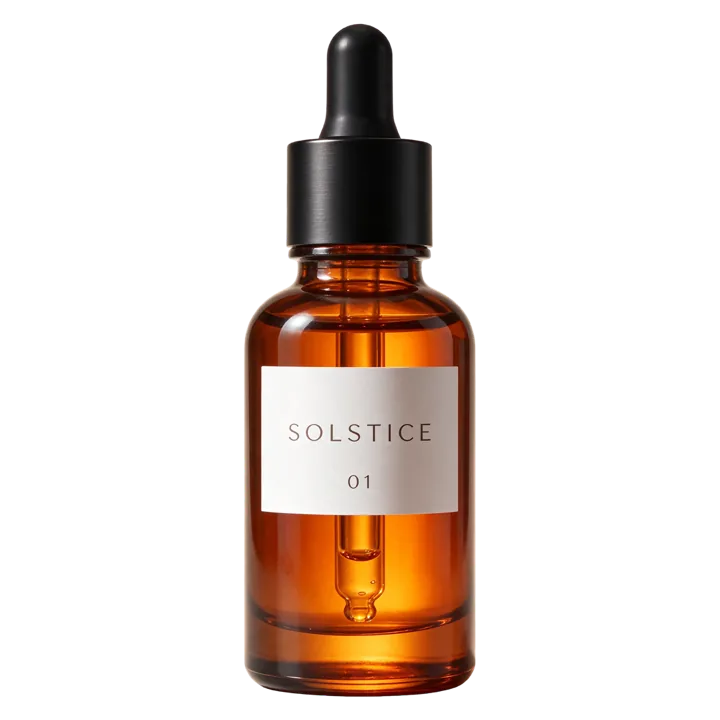 Real Seedream 5.5 · Native RGBA PNG
Real native RGBA PNG (zero post-cutout masking). Switch any surface above to inspect glass translucency and clean edges.
Pre-flight checklist for cleanest layer separation
- Use crisp source graphics at least 262,144 pixels wide/tall (JPEG or PNG up to 20 MB).
- Keep the OCR toggle enabled (default on) so text strings export in .PSD layer names and ocr.json.
- Keep Max layers near your artwork complexity (default 6 reserves 5 credits at auto or 3 credits at 1K/1.5K, and can be raised up to 100); unused reserved credits refund automatically.
- If a poster needs a product finish swap before splitting, branch it in AI Image Editor (1 credit) first.
Related production tools
Split your poster into editable .PSD & PNG layers
Pay only for the layers returned; unused reservations refund automatically. Packs from $3.99.
Questions
Why split a flat AI poster instead of re-prompting text in another language?
Re-prompting an entire flat poster shifts product geometry, lighting, and layout between regions. Splitting once into a clean inpainted base plate plus transparent PNG layers lets you swap only the text layers in Figma, Canva, or Photoshop while every product pixel stays identical across markets.
What files are inside the Image to Layers .PSD and .ZIP downloads?
Every completed run offers both a layered Adobe .PSD (clean inpainted Background / Base + positioned transparent RGBA pixel layers labeled with OCR text summaries) and a .ZIP containing base.png, individual RGBA PNG layers ordered by z-index, manifest.json coordinates, ocr.json strings, and README.txt.
How much does it cost to localize one poster into 5 languages?
You only run layer separation once on the master poster. Seeli reserves credits up to your chosen Max layer cap and refunds unused layers automatically upon delivery — a typical 5- to 12-layer e-commerce poster uses roughly 3 to 6 credits ($0.84–$3.99), after which all 5 language swaps happen in your design editor at zero extra credit cost.
Does Seeli export layered PSD files?
Yes. Click Download .PSD after any layer run to export a standard Adobe .PSD with the inpainted base layer plus ordered transparent RGBA pixel layers labeled with OCR text summaries. Note that text layers are raster RGBA layers rather than native TypeTool font layers — hide any original text layer in Photoshop or Photopea and type your localized copy directly onto the clean base.
What if my poster has translucent glass or drop shadows?
Keep Seedream 5.5 selected: separated foreground subjects export as true native RGBA PNGs, and you can also generate isolated glass cut-outs for 1 credit on Transparent Background PNG with zero white cutout halo.